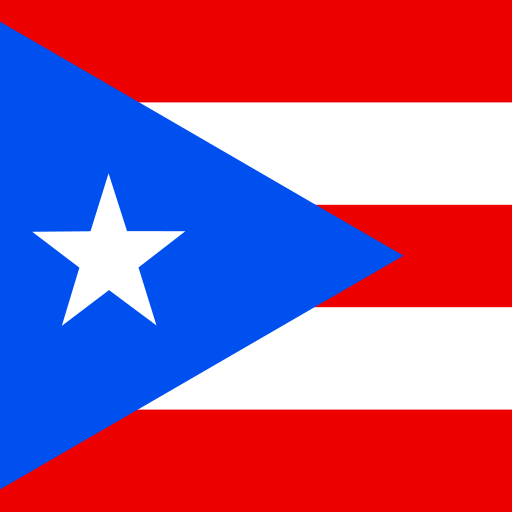
 VPNFast · Puerto Rico server
VPN for Puerto Rico
Yes, VPNs are legal in Puerto Rico. It’s a U.S. territory, so U.S. law applies, and VPNFast has a Puerto Rico server location of its own. Connect to it from anywhere for a Puerto Rico IP address, or switch it on at home so your provider and others on your Wi-Fi only see encrypted traffic.
- Legal in Puerto Rico
- Puerto Rico server location
- Free to download




01Set up
How to get a Puerto Rico IP address
-
Download VPNFast
Install the free app on your iPhone, Android, computer, TV or Chrome browser.
-
Find Puerto Rico
Open Select location. Puerto Rico has its own entry, separate from United States.
-
Connect
Tap connect. “Connected” and the blue check mean sites now see a Puerto Rico IP address.
-
Look it up
Search “what is my IP” to see Puerto Rico as your location.
02Who it helps
Who it helps
-
Puerto Ricans living stateside
Many Puerto Ricans live in Florida, New York and other states. Connect to Puerto Rico when you sign in to island banks or local services, so they see a Puerto Rico address. Each still runs its own checks.
-
Visitors from the mainland
U.S. citizens can fly in without a passport, and many stay in rentals or beach hotels with shared Wi-Fi. Turn VPNFast on before you sign in to work or bank accounts.
-
Remote workers on the island
Plenty of people work for mainland employers from Puerto Rico. VPNFast encrypts email, files and calls between your laptop and the VPN server on home or coworking networks.
-
University students
Campus networks are shared by every student logged in. Switch VPNFast on in class or the library so your browsing stays encrypted on them.
03FAQ
Puerto Rico VPN questions
Is it legal to use a VPN in Puerto Rico?
Yes. Puerto Rico is a U.S. territory, and using a VPN for privacy and security is legal there. The law still applies to what you do while connected.
Is Puerto Rico a separate location from the United States?
In VPNFast, yes. Pick Puerto Rico for a Puerto Rico IP address, or United States for the U.S. server location. Both are in the same list.
How do I get a Puerto Rico IP address?
Install VPNFast, choose Puerto Rico under Select location and connect. Websites then see a Puerto Rico IP address; an IP lookup site will show it.
Which devices can I use VPNFast on?
iPhone, iPad, Mac, Windows, Android, Huawei, Google TV, Fire TV and Chrome. One Premium plan covers up to 5 devices at once.
Does a VPN slow down my internet in Puerto Rico?
Usually only slightly. Traffic goes through the VPN server first, so the Puerto Rico location, being the closest, keeps the extra time low while you’re on the island.
Is VPNFast free in Puerto Rico?
VPNFast is free to download. Premium adds 1500+ servers across 190+ countries; the pricing page has current plans.



No Logs, Strong Encryption, More Privacy.
Ready for Faster & Secure Connections?
Get strong online protection with VPNFast and fast, stable connections.
FREE trial available on all devices